



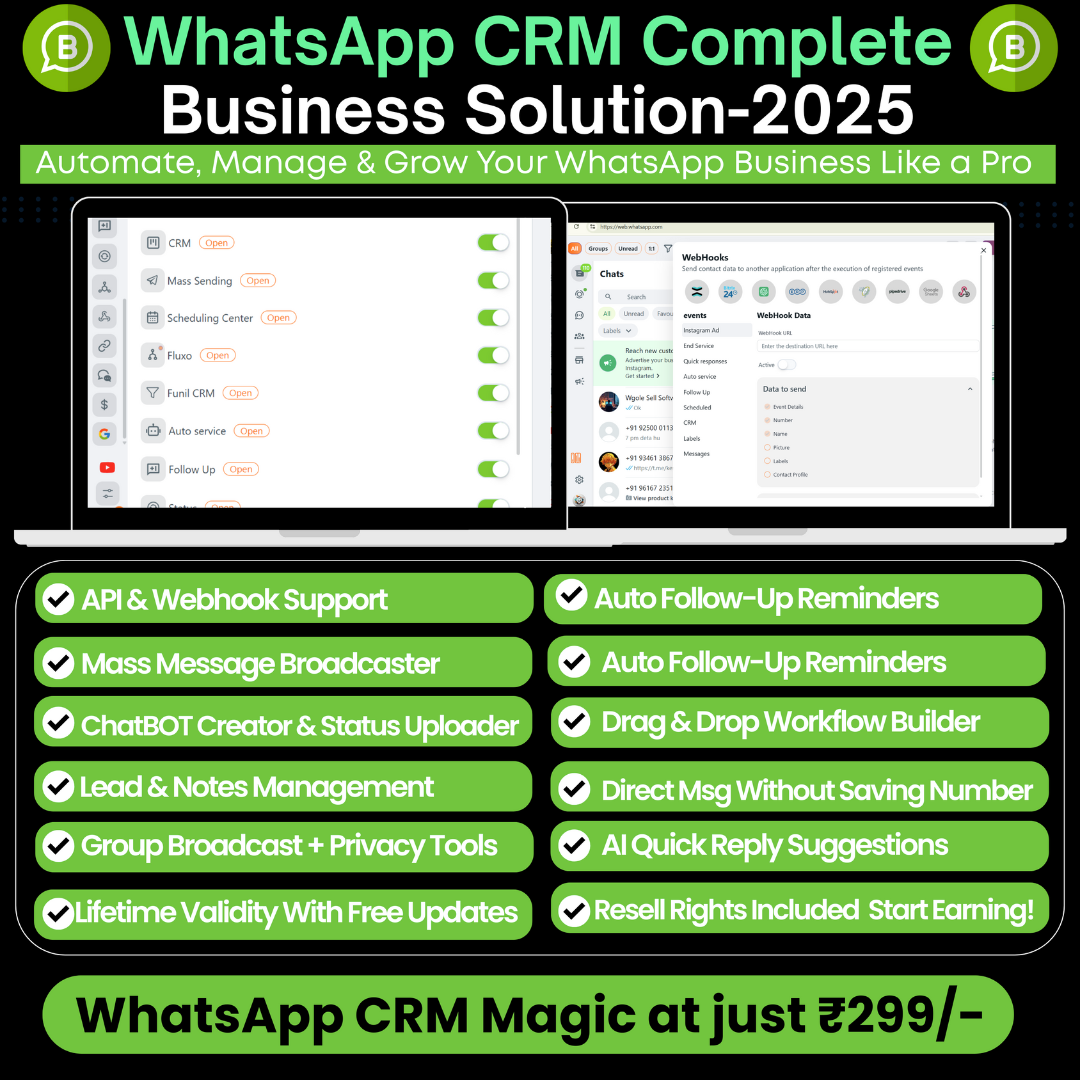
Description
Key Features of a Modern WhatsApp CRM
1. Bulk Messaging and Broadcasts:
A core function of these CRMs is the ability to send thousands of messages at once to segmented contact lists. This is essential for marketing campaigns, promotional offers, and important announcements. Look for tools that allow you to personalize these bulk messages using customer data (e.g., name, purchase history) to make them more effective.
2. AI and Chatbots:
The integration of AI is a game-changer. AI-powered chatbots can handle a wide range of tasks automatically, including:
- Answering FAQs: Customers can get instant answers to common questions, freeing up your team to handle more complex inquiries.
- Lead Qualification: The bot can ask a series of questions to qualify leads and then route them to the right sales agent.
- Customer Support: Chatbots can provide 24/7 support, guiding customers through a support flow or providing order updates.
- Automated Workflows: AI can trigger automated actions based on customer messages or specific keywords, such as sending a product catalog when a user asks for it.
3. Lead Management and Centralized Inbox:
An all-in-one CRM provides a unified inbox where all WhatsApp conversations are stored. This allows multiple team members (sales, support, marketing) to collaborate on the same customer conversation. Key lead management features include:
- Lead assignment: Automatically assign new leads to specific agents based on rules (e.g., by region, product interest).
- Conversation history: A complete history of every interaction with a customer is stored in one place, providing context for every team member.
- Tagging and segmentation: Tag conversations or contacts to segment your audience for future campaigns or for better organization.
4. Google Sheets Integration:
This is a powerful feature for businesses that rely on spreadsheets for data management. With this integration, you can:
- Import Contacts: Easily import your contact lists directly from a Google Sheet to run broadcast campaigns.
- Automate Data Logging: Automatically log new incoming messages, customer responses, or lead details directly into your Google Sheet.
- Trigger Messages: Create automations where a new row in your Google Sheet triggers a personalized message to a contact on WhatsApp. This is perfect for sending automated order updates, payment reminders, or appointment confirmations.
5. Lifetime Full Access / No Monthly Charges:
While many powerful CRM platforms operate on a subscription model, some providers may offer lifetime deals or one-time payment options, particularly for new or niche software. These can be a great value for entrepreneurs and small businesses, but it’s crucial to evaluate the features, scalability, and support offered to ensure the tool can grow with your business.
How These Tools Supercharge Your Business
By combining these features, a WhatsApp CRM can help you achieve the “10X Growth Formula” you mentioned:
- Smarter: AI and automation handle repetitive tasks, allowing your team to focus on high-value activities.
- Faster: Instant communication, automated responses, and quick access to customer data reduce response times and sales cycles.
- Effortless: The all-in-one platform eliminates the need to switch between multiple apps, streamlining your entire sales and marketing process.
- Scaling without a team: Automation and AI enable you to handle a massive volume of customer interactions without having to hire a large support or sales team.
✅ All of this for just ₹299/- Only
🎁 One-Time Payment | One Year Access | No Hidden Fees



 2D Animation Funny Reels Bundle In Hindi
  All Adobe Collection

Reviews
There are no reviews yet.